 EN
 Português
 Indonesia
 Türkçe
 العربية
 Français
Olymp Trade demo account: $10,000 practice funds
Updated 3 min readBy the olymptrade.ai team
Quick answer
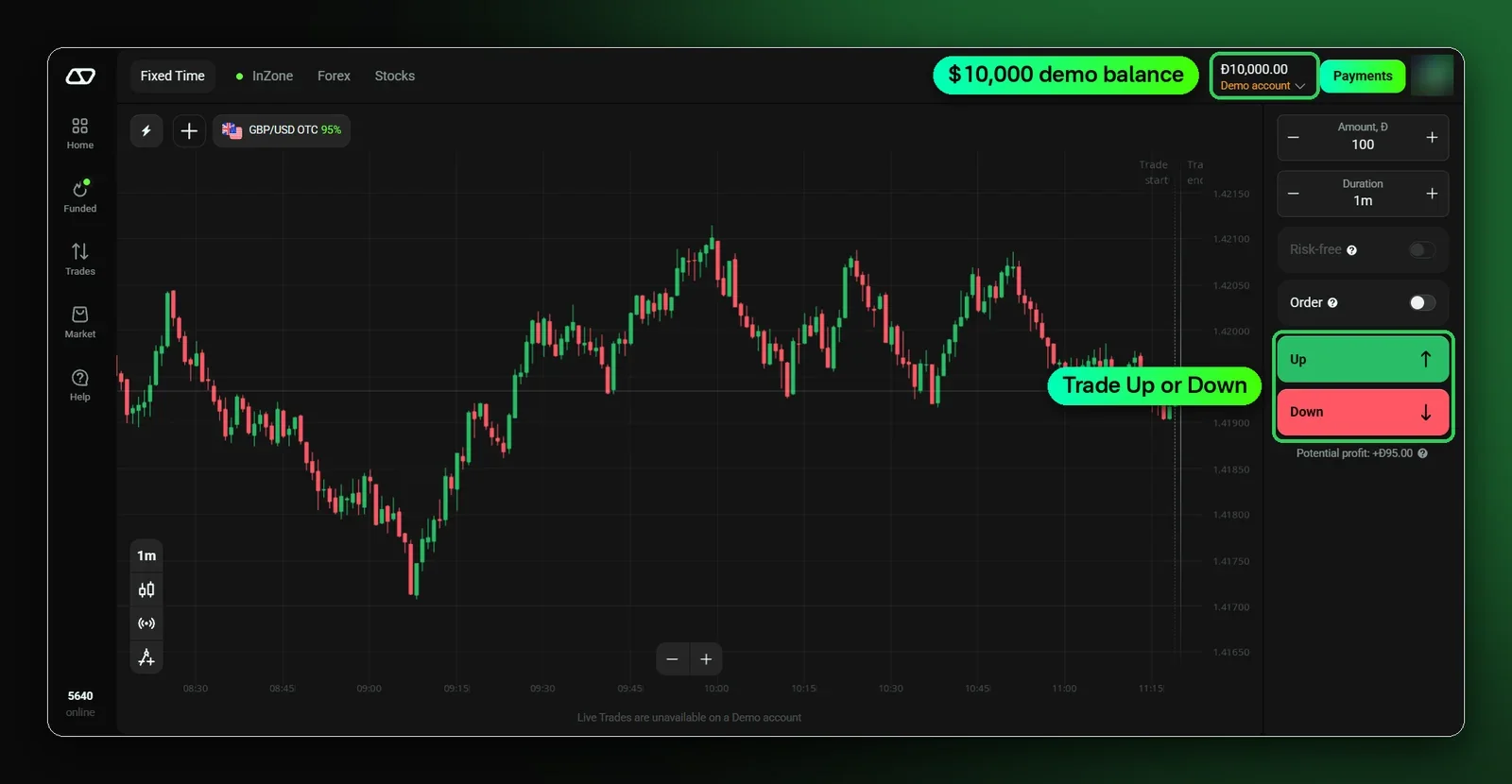
Every Olymp Trade account comes with a free demo account holding 10,000 virtual dollars. Sign up with your email and it is ready at once: no deposit or card needed. You can refill it at any time.
How to get the $10,000 demo
- 1
Register
Create an account with your email or Google account.
- 2
Check the balance
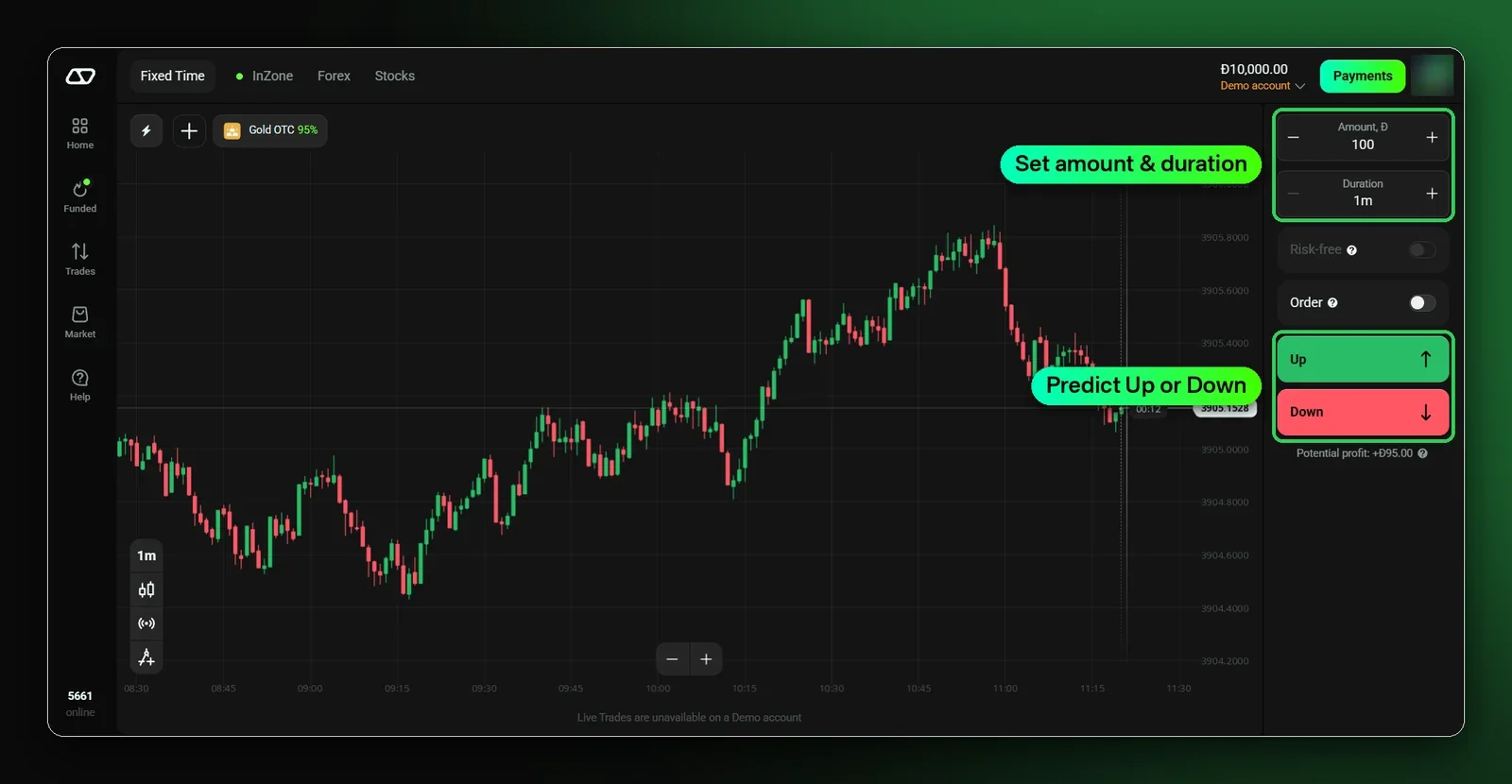
Top right shows the 10,000 balance with the label Demo account.
- 3
Pick an asset
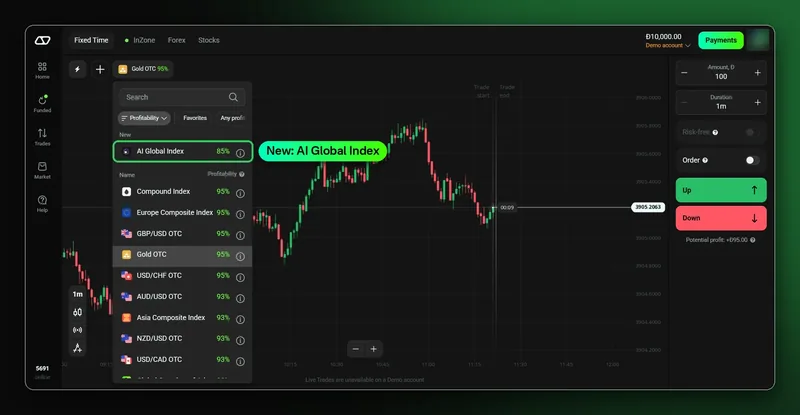
For example GBP/USD OTC or Gold OTC.
- 4
Trade
Set the amount and duration, then press Up or Down.
Try it on a free demo
$10,000 in practice funds. No deposit needed.
Demo vs live
| Feature | Demo | Live |
|---|---|---|
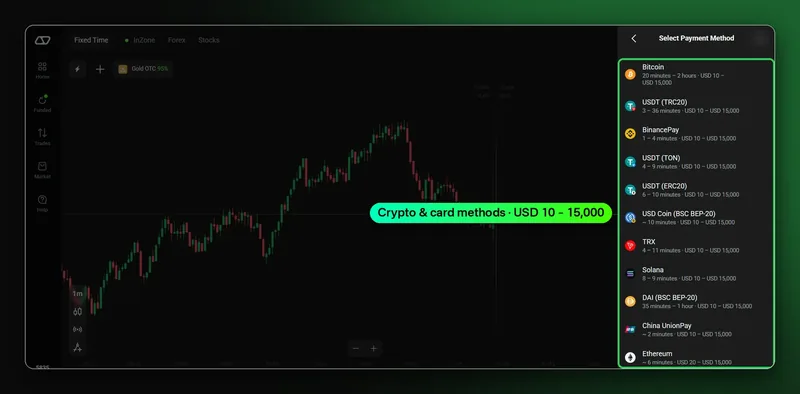
| Money | 10,000 virtual | Your deposit, from USD 10 |
| Prices | Live market prices | Live market prices |
| Withdraw profits | No | Yes |
| Refill | Any time, free | By deposit |
Switch between demo and live
Press the balance at the top right and choose the account. Both accounts use the same platform, so you can test an idea on demo and then trade it live.
Practise the right way
- Use the same trade amounts you plan to use live. Trades start from $1.
- Check the asset schedule: press the (i) icon next to an asset. OTC assets and composite indices also trade on weekends.
- Note why you opened each trade, then review the results in Trades.
Trading involves risk. Only trade money you can afford to lose. This guide is for information only and is not financial advice.
FAQ
Is the Olymp Trade demo account free?
Yes. It is included in every account and needs no deposit.
Can I refill the demo balance?
Yes, at any time and for free.
Can I withdraw demo profits?
No. Demo money is virtual. Switch to a live account to trade with real money.