 EN
 Português
 Indonesia
 Türkçe
 العربية
 Français
How to download the Olymp Trade app
Updated 3 min readBy the olymptrade.ai team
Quick answer
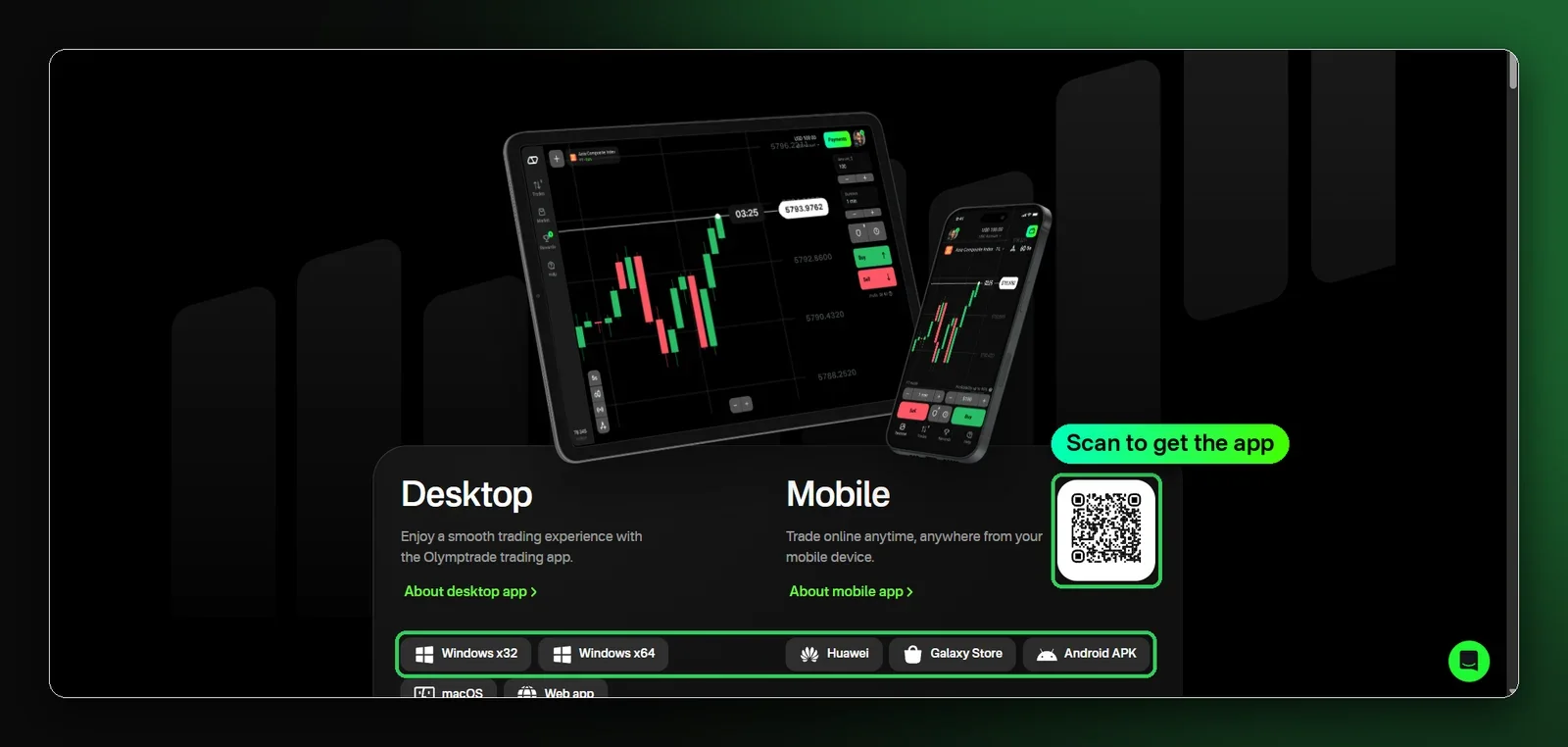
Get the Olymp Trade app on Android (Google Play, Huawei, Galaxy Store or APK), iPhone (App Store), Windows and macOS, or trade in the browser with the web app. One account works on every device.
Where to download
| Device | Where | Link |
|---|---|---|
| Android | Google Play, Huawei AppGallery, Galaxy Store or APK | Android app |
| iPhone / iPad | App Store | App Store |
| Windows | Windows x32 or x64 app | Windows |
| macOS | Desktop app | All apps |
| Any browser | Web app, no download | Web app |
Try it on a free demo
$10,000 in practice funds. No deposit needed.
Install the Android APK
- 1
Download the file
Open the Android link on your phone.
- 2
Allow the install
If asked, allow installs from this source in Settings.
- 3
Open and sign in
Use your account or create one and start on demo.
Install on iPhone or a computer
- 1
iPhone and iPad
Open the App Store link, press Get and sign in.
- 2
Windows
Download the Windows app. Pick x64 if your Windows is 64-bit (Settings › System › About).
- 3
No install
Open the web app in any modern browser.
What you can do in the app
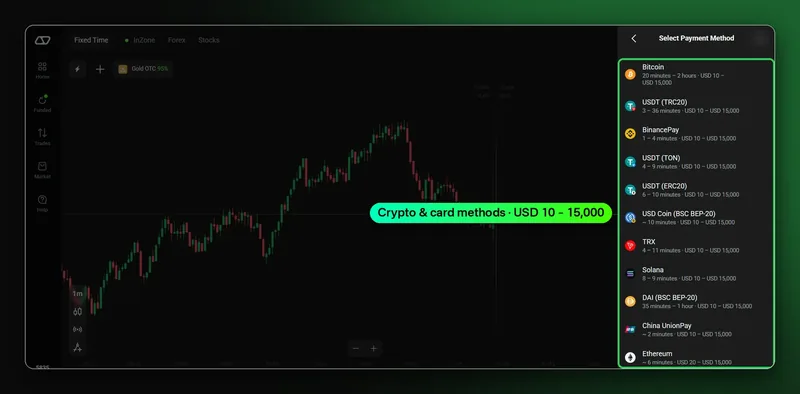
- Deposit and withdraw without leaving the app.
- Switch between demo and live in one tap.
- Balance, open trades and history stay in sync on every device.
Download safely
- Install only from official stores or official links.
- Never install app files sent in chats or groups.
- Turn on two-factor authentication after you sign in.
Trading involves risk. Only trade money you can afford to lose. This guide is for information only and is not financial advice.
FAQ
The app is not available in my country. What can I do?
Use the web app in your browser or the Android APK. Your account works the same way.
Is it the same account on phone and computer?
Yes. Your balance, open trades and history stay in sync on every device.
Does the app have a demo account?
Yes. Every account includes 10,000 in virtual funds for practice.